
Overlay by game · Hero shooter
Animated Overwatch 2 stream overlay for OBS and Streamlabs
A stream overlay designed for Overwatch 2 (Hero shooter), in the colors of its mood: sky blue, bright orange, clear light. The Scene Workshop builds it for you: customizing is free and needs no account, and you download a pack ready for OBS and Streamlabs (one look included free, the others €19 each or €89 for all). Everything is built in your page.
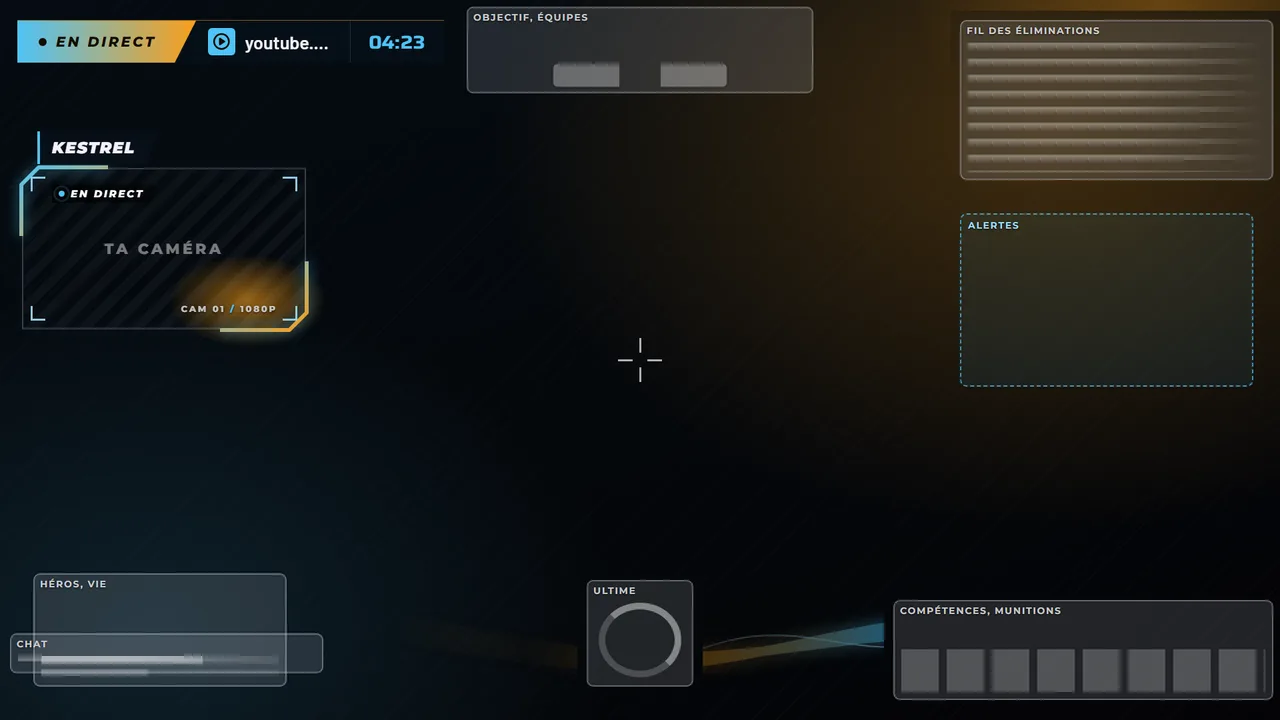
What the overlay never hides
The webcam, the info ticker and the alerts sit in the zones the Overwatch 2 HUD leaves free. These zones stay clear:
- Objective
- Kill feed
- Game chat
- Health
- Gauge
- Abilities
- Crosshair
- Webcam
- Middle left: 420 x 236 px webcam, top-left corner 36 px from the left edge and 255 px from the top.
Webcam position measured on real streams. HUD zones partly measured on a real stream, the rest estimated, to be checked in a real match.
Recommended look and colors
- Look
- Aurora: Glowing ribbons, slanted shards, beveled corners.
- Palette
#4fc3f7#f99e1a#071019
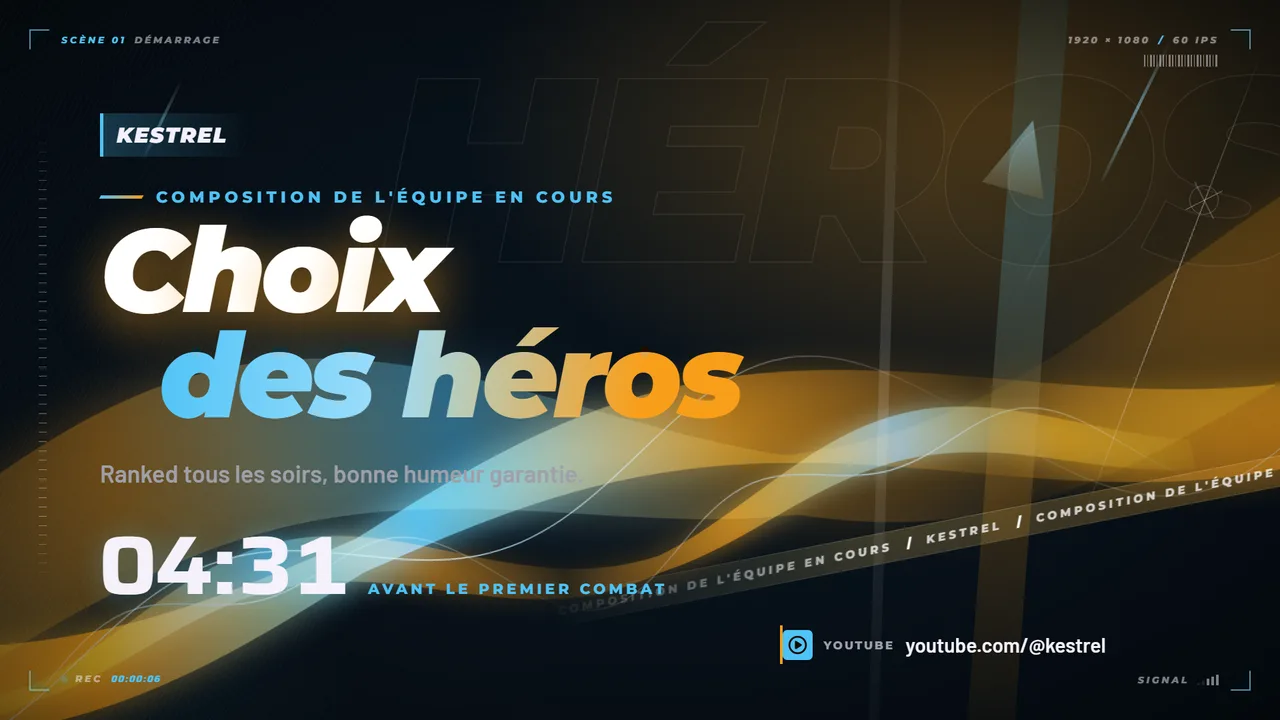
A screens pack for Overwatch 2
OBS widgets for Overwatch 2
- Hero and ultimate
- The hero you play, your eliminations for the game and an ultimate light: it turns on and announces itself when your ultimate is ready.
- Tonight's recap
- Your night at a glance: wins, losses, current streak, best streak and ranking points won or lost.
- Chat challenge
- The dare your chat threw at you: a bar fills with every unit, a dare drops at every milestone, and the counter keeps the ones still to do.
Install the overlay
Add an animated overlay in OBS Studio
An HTML page or a web address becomes an overlay: the method for all our overlays.
3 minutes →StreamlabsAdd an animated overlay in Streamlabs Desktop
Same principle as in OBS, with Streamlabs wording.
3 minutes →Scene WorkshopInstall the Scene Workshop pack, scene by scene
From the ZIP file to the six scenes in place in OBS or Streamlabs.
6 minutes →Frequently asked questions
Is the Overwatch 2 overlay free?
Partly. The Scene Workshop lets you pick Overwatch 2, your colors and your name, and watch your scenes move for free, with no account. One look downloads free (Wave); the others cost €19 each, or €89 for all. Everything is built in your page.
Another question? Write to usDoes the Overwatch 2 overlay work with OBS and Streamlabs?
Yes. The pack contains every scene as an HTML page, the fonts and a step-by-step guide for OBS Studio and Streamlabs Desktop. Each scene goes in as a browser source.
Another question? Write to usDoes the Overwatch 2 overlay cover the HUD?
No, that is the point: the webcam, the info ticker and the alerts sit in the zones the HUD leaves free. Zones kept clear: objective, kill feed, game chat, health, gauge, abilities, crosshair. Webcam position measured on real streams. HUD zones partly measured on a real stream, the rest estimated, to be checked in a real match.
Another question? Write to usIs the Overwatch 2 overlay affiliated with the game's publisher?
No. Aghenor.TV is neither affiliated with nor endorsed by any publisher. Overwatch 2 belongs to its publisher and is mentioned only to indicate compatibility. The files use no element from the game (logo, font, visual, character).
Another question? Write to usOther games in the same category
Brands mentioned: Overwatch 2, Twitch, OBS and Streamlabs. They belong to their respective publishers and owners and are mentioned only to indicate compatibility. Aghenor.TV is neither affiliated with nor endorsed by any publisher. The files use no element from the games (logo, font, visual, character): the HUDs in the previews are diagrams.