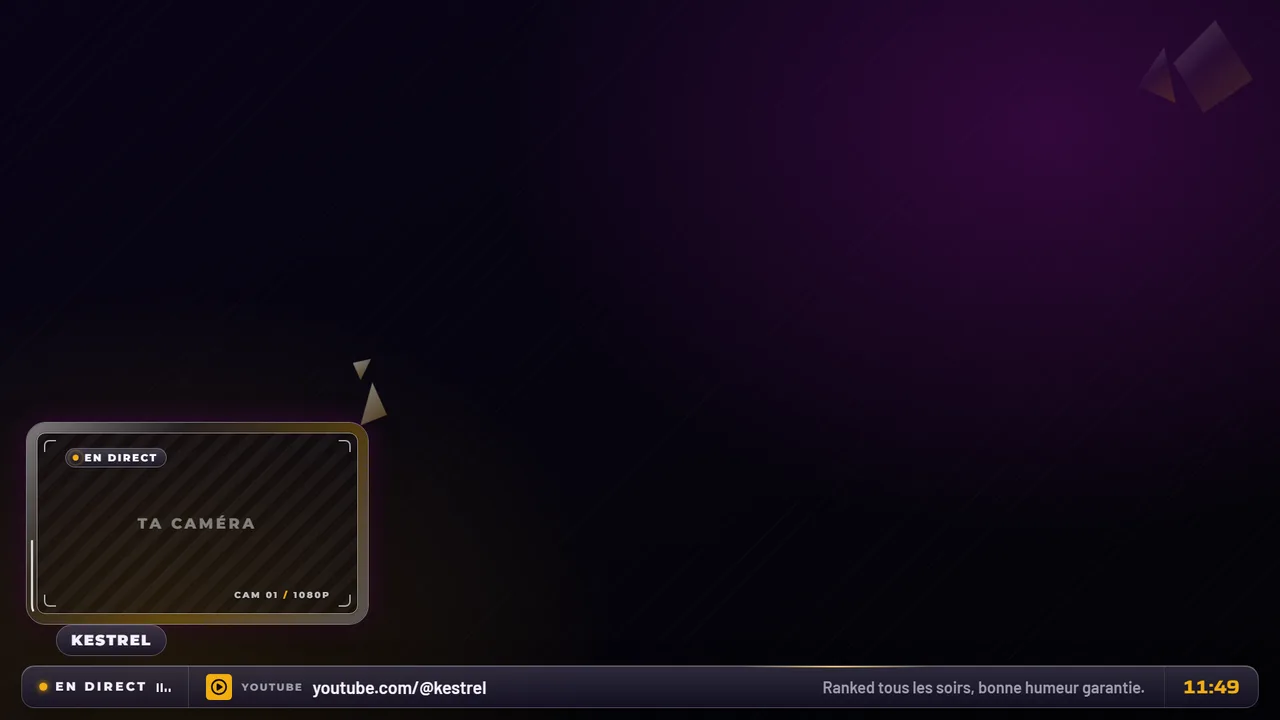
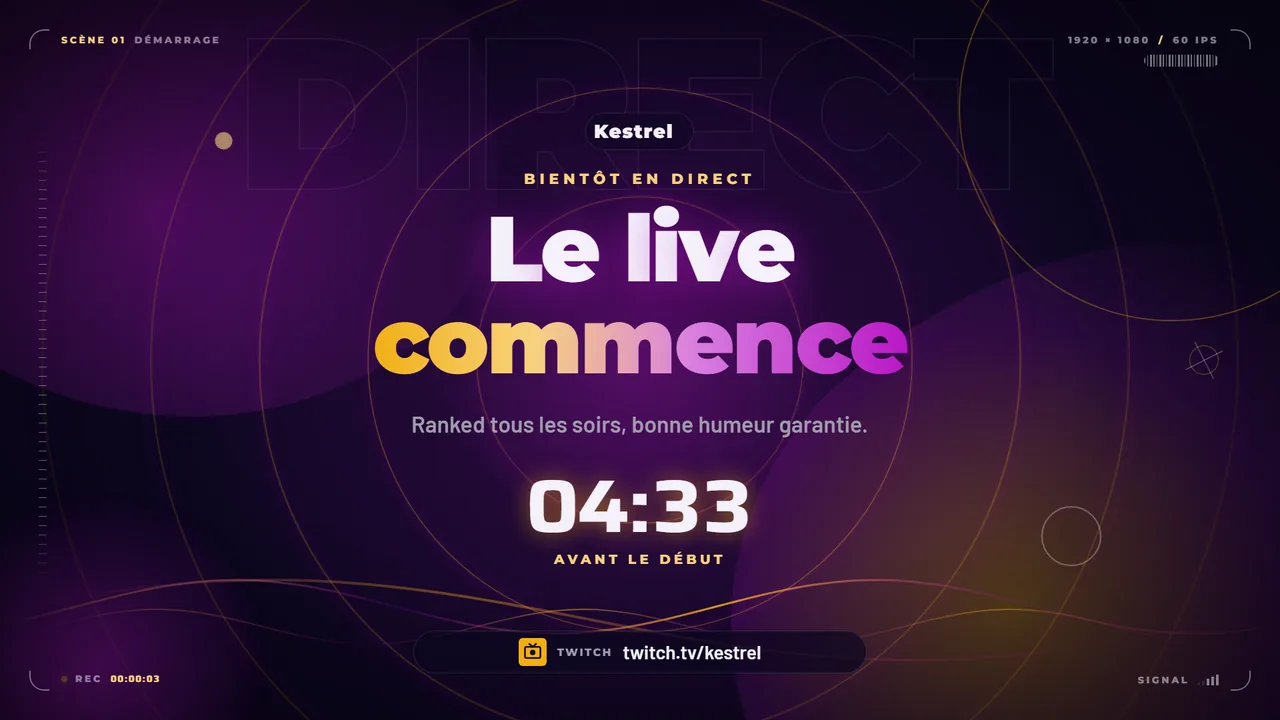
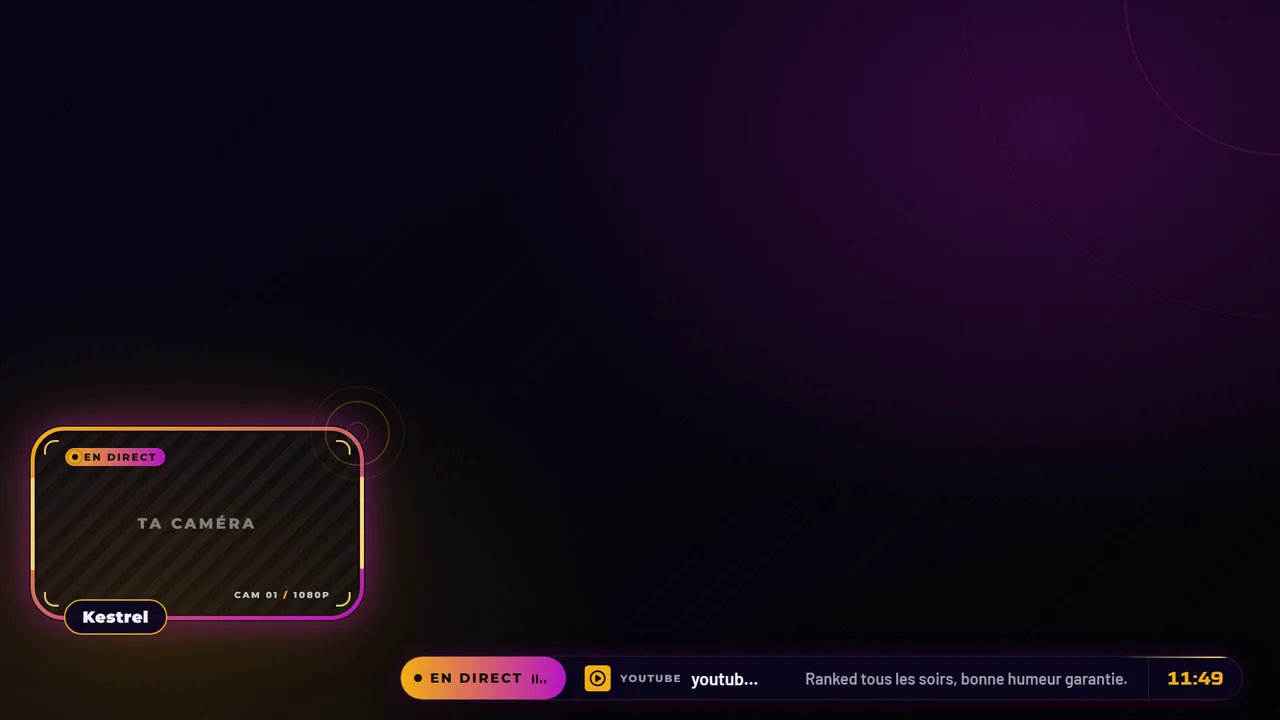
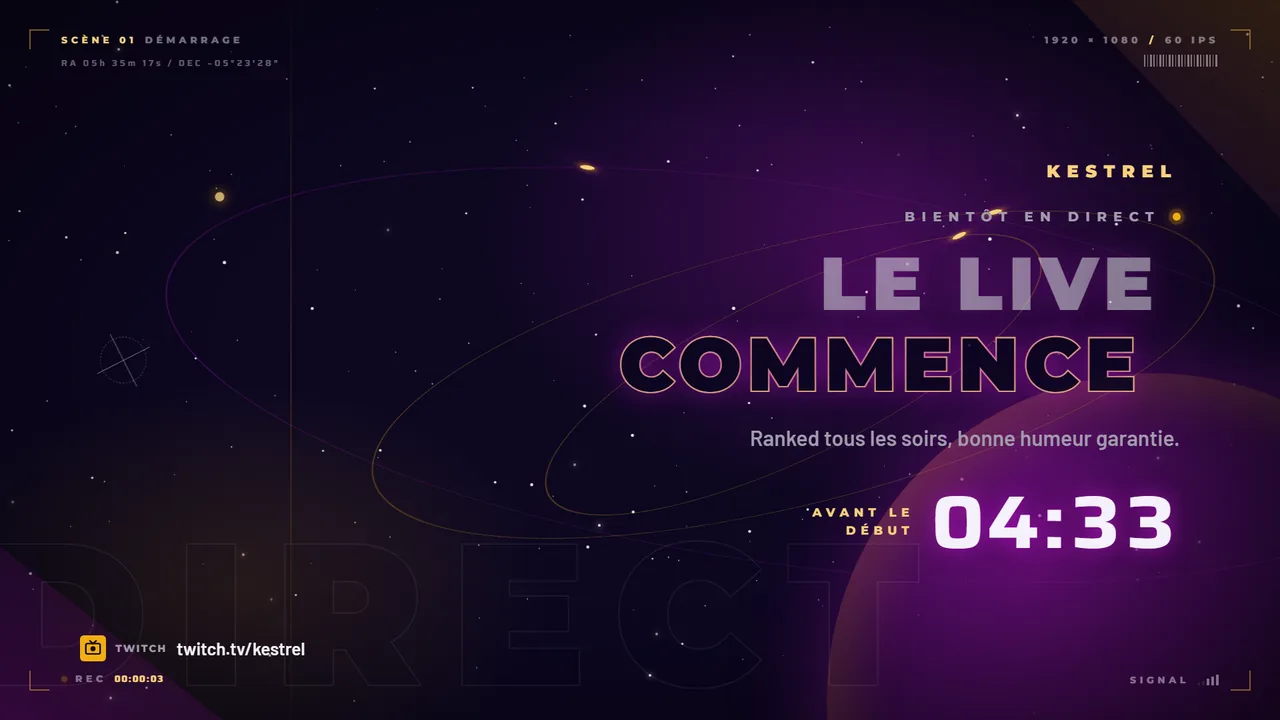
Animated screens, urban crime
10 animated screens · MP4 2560 x 1440 · 74.8 MB
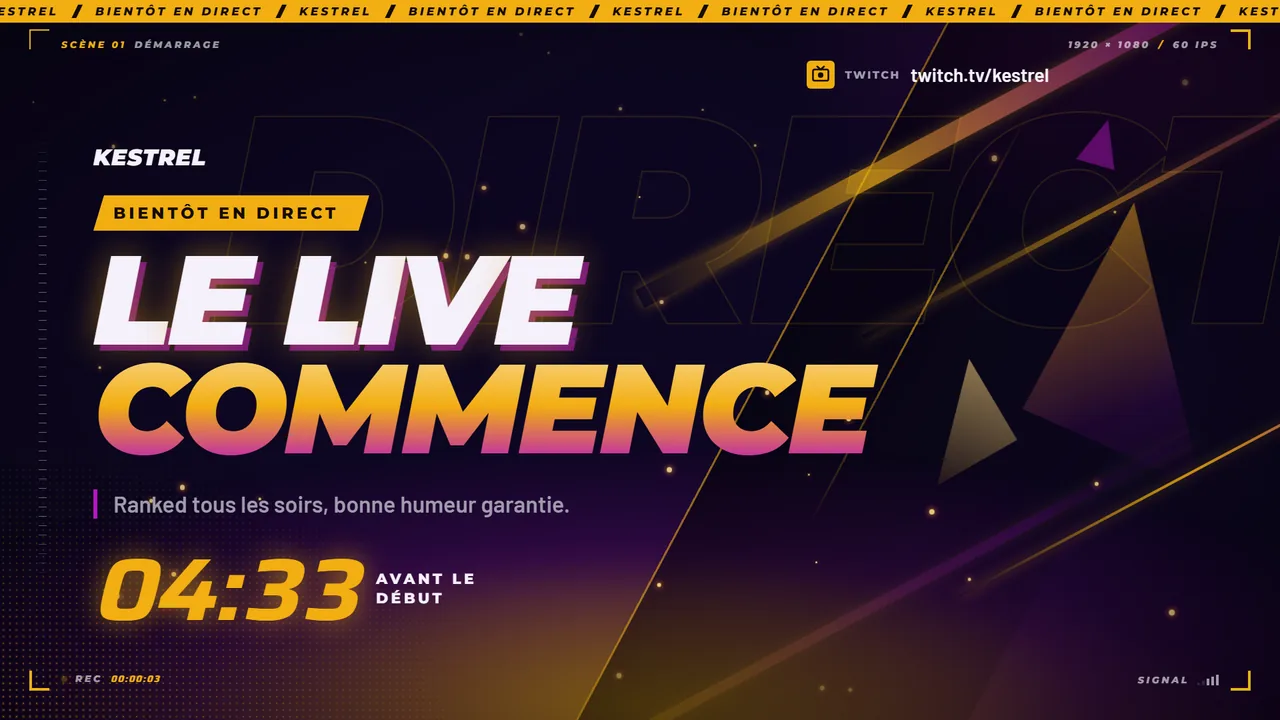
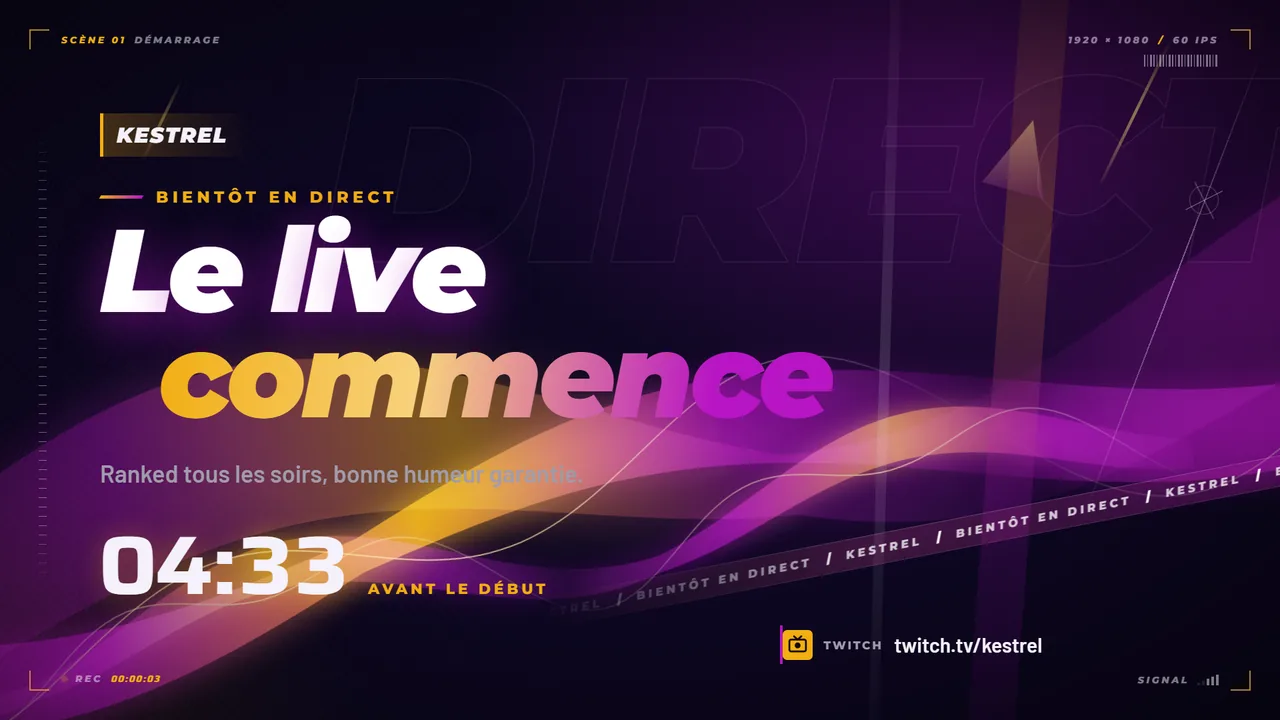
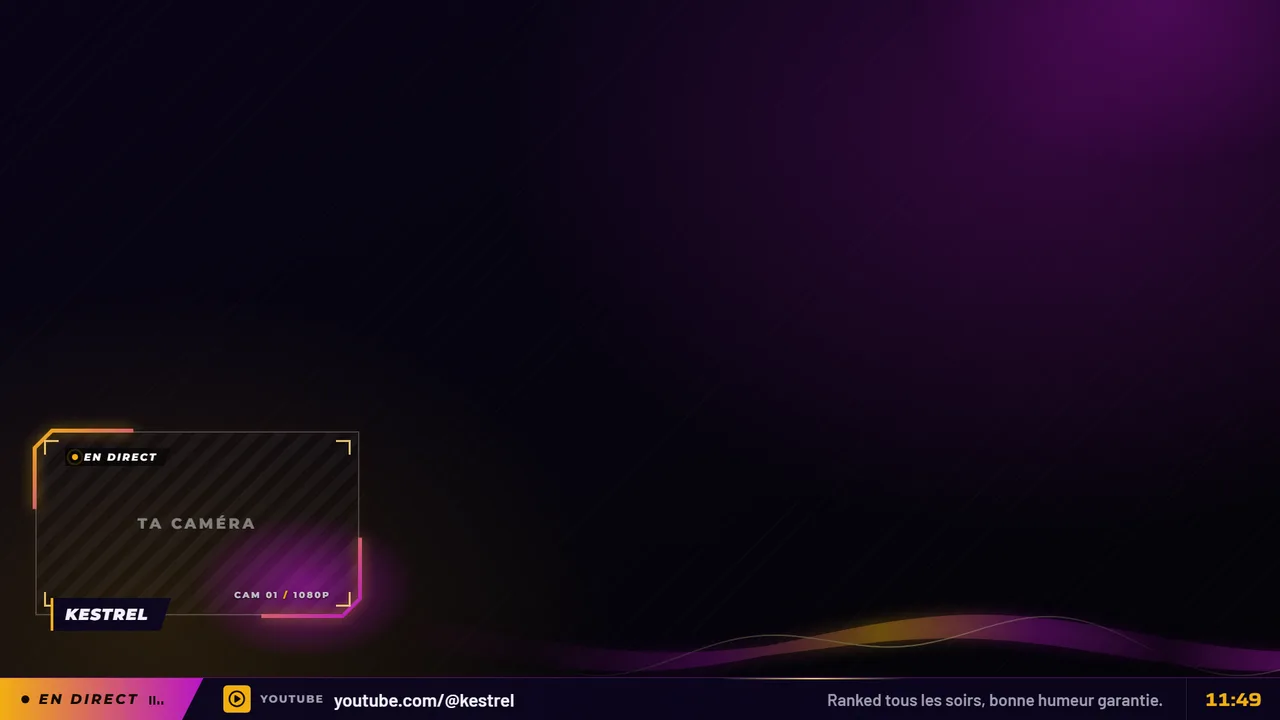
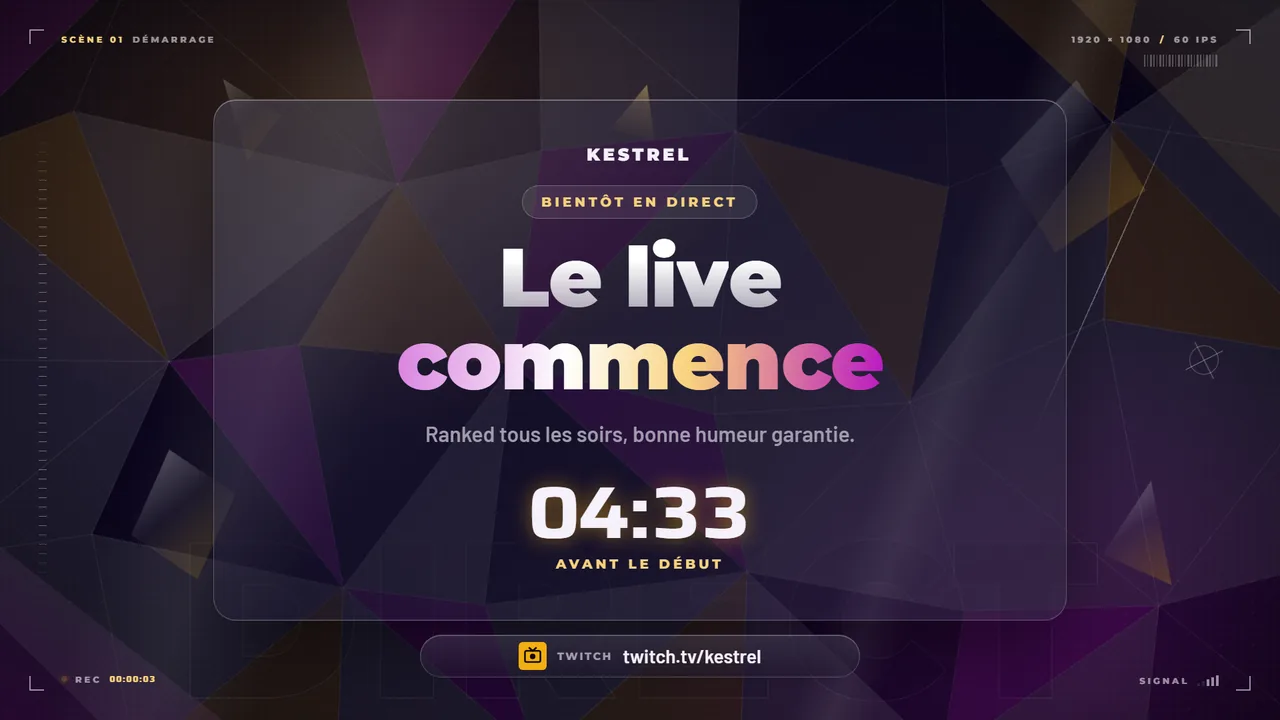
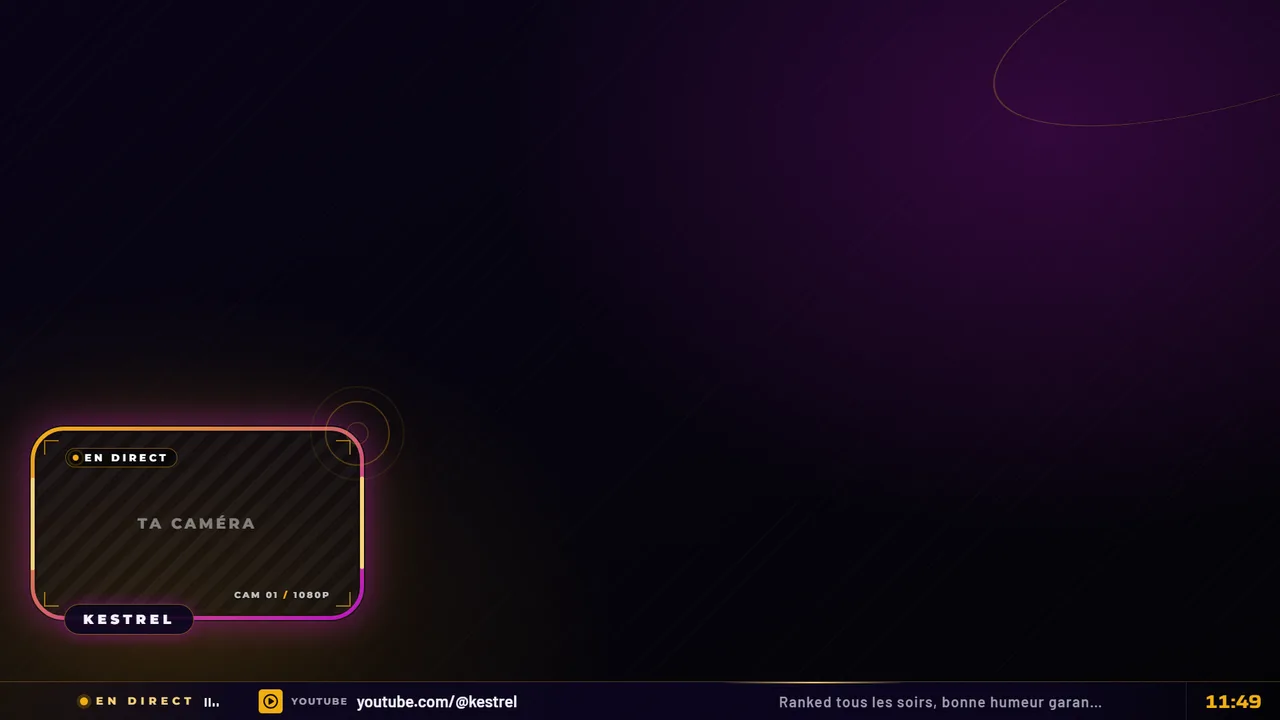
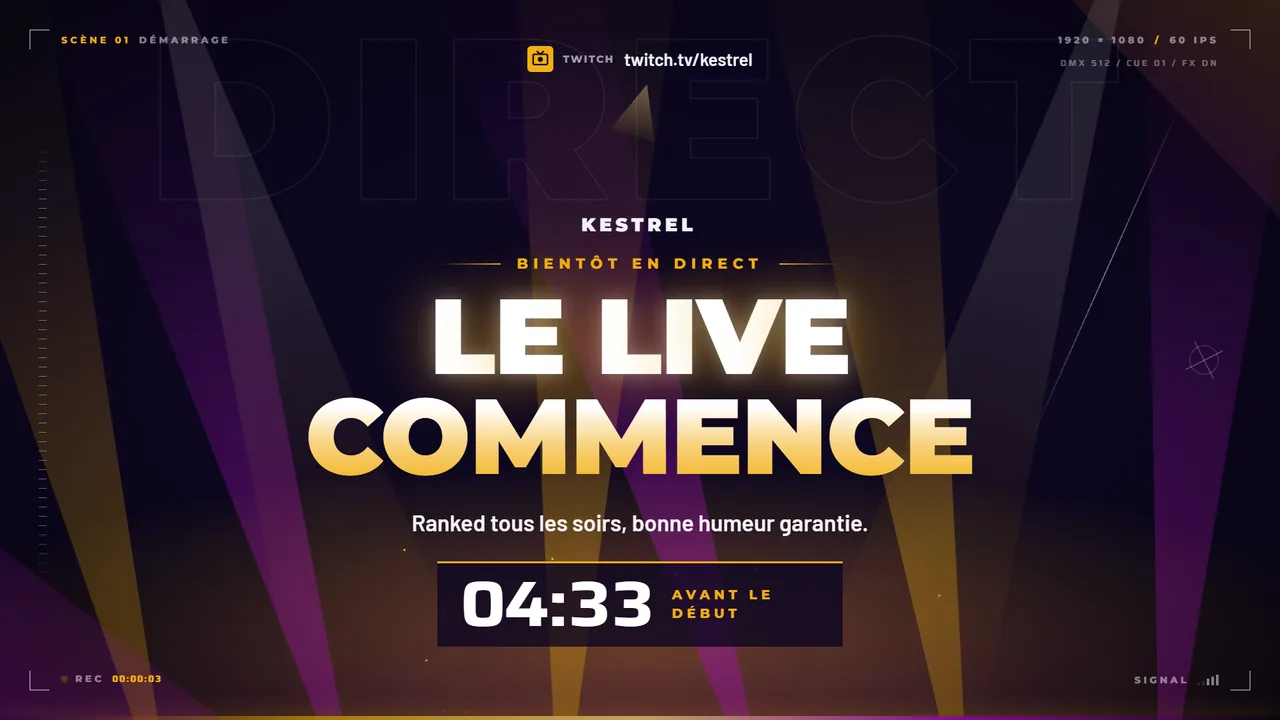
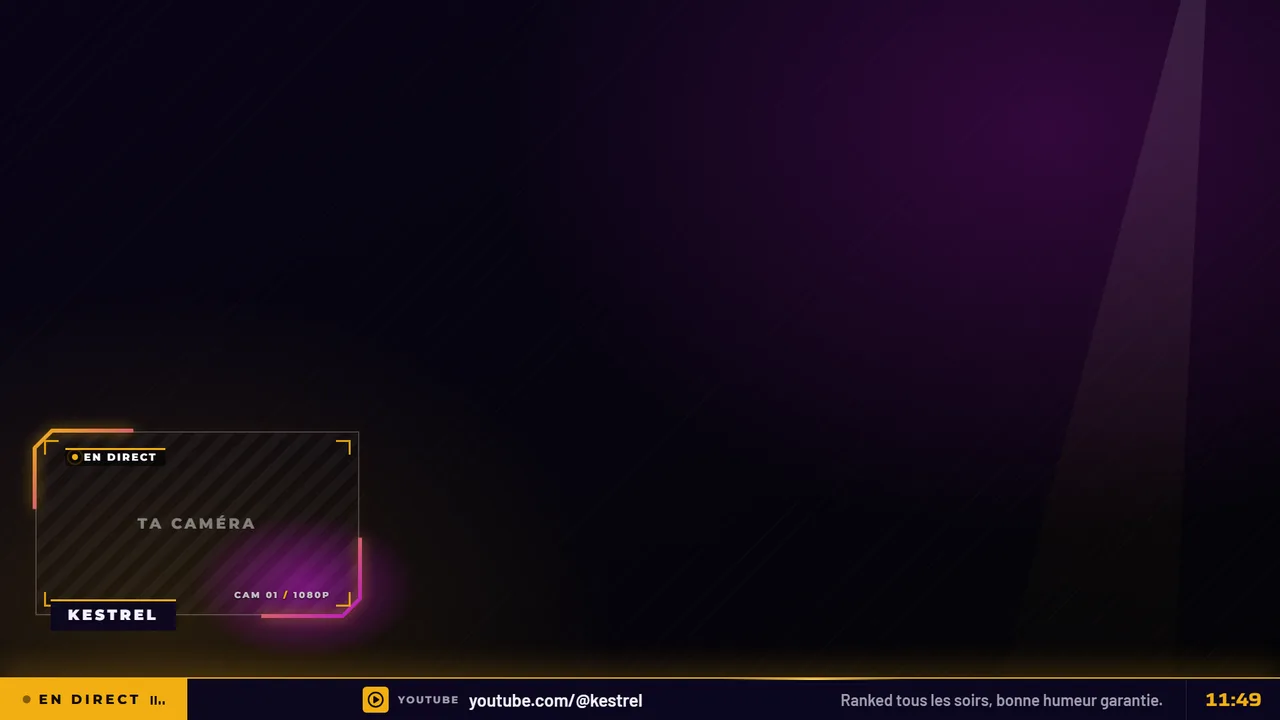
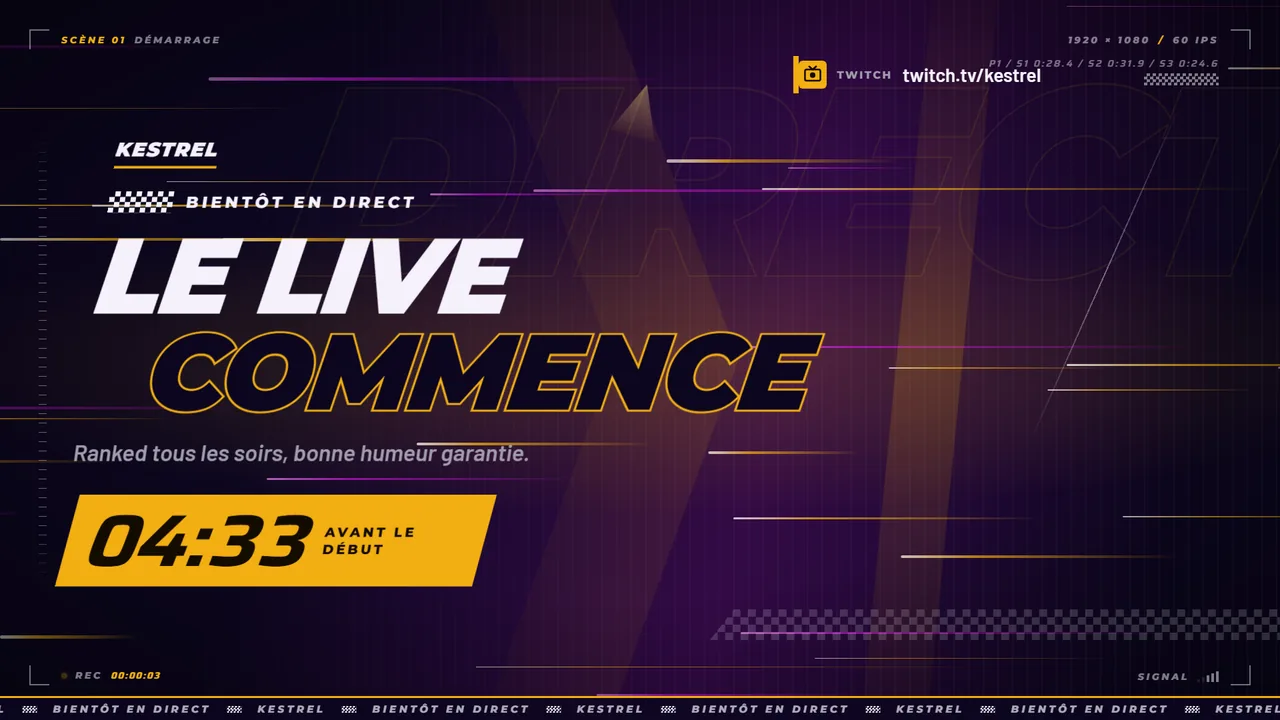
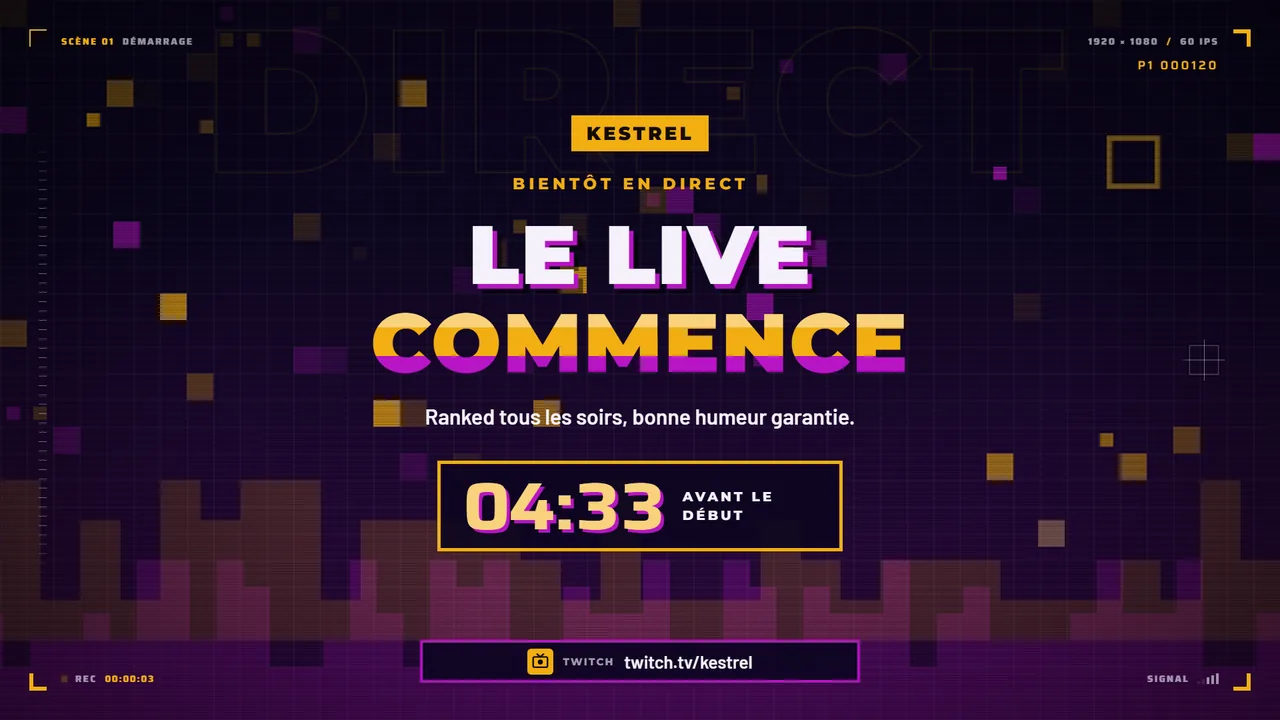
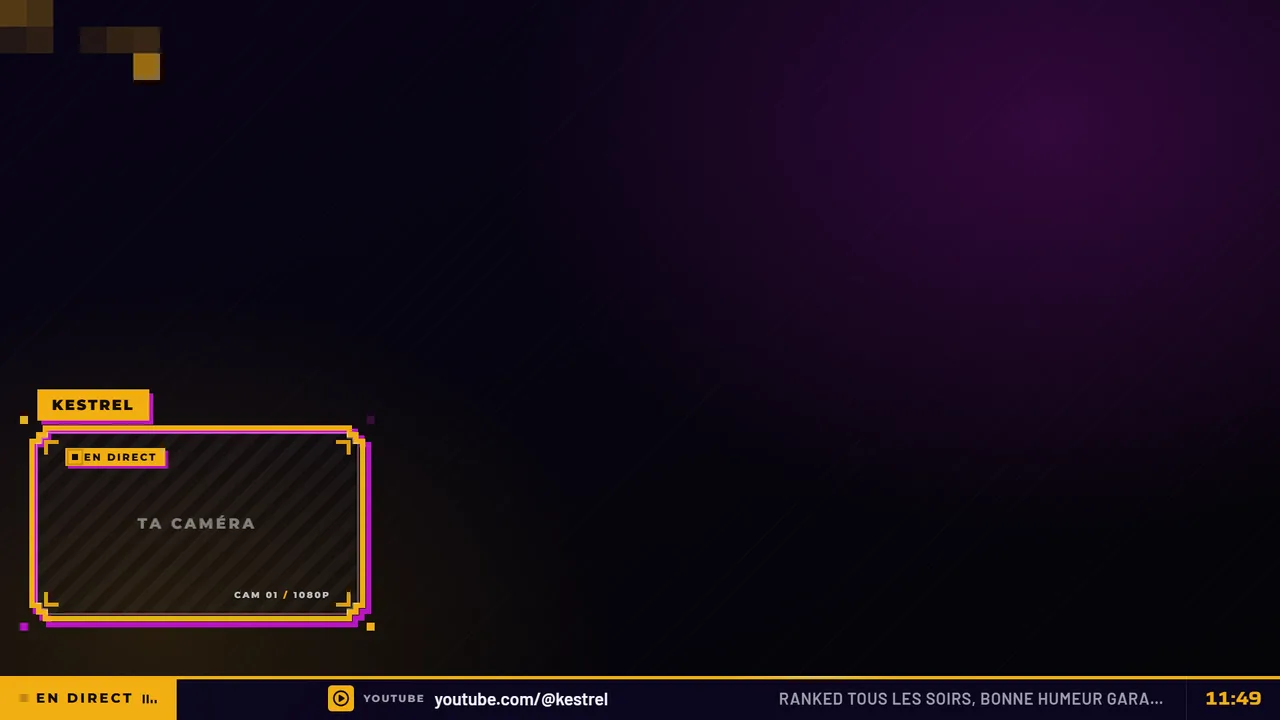
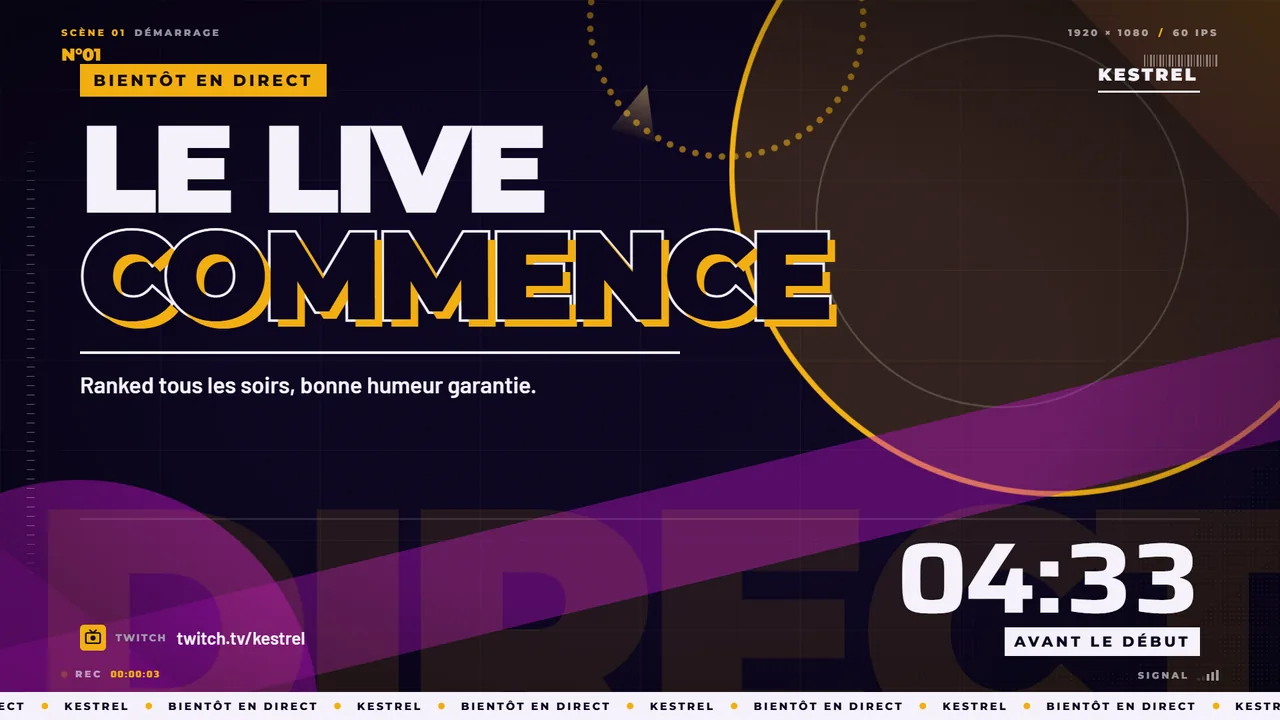
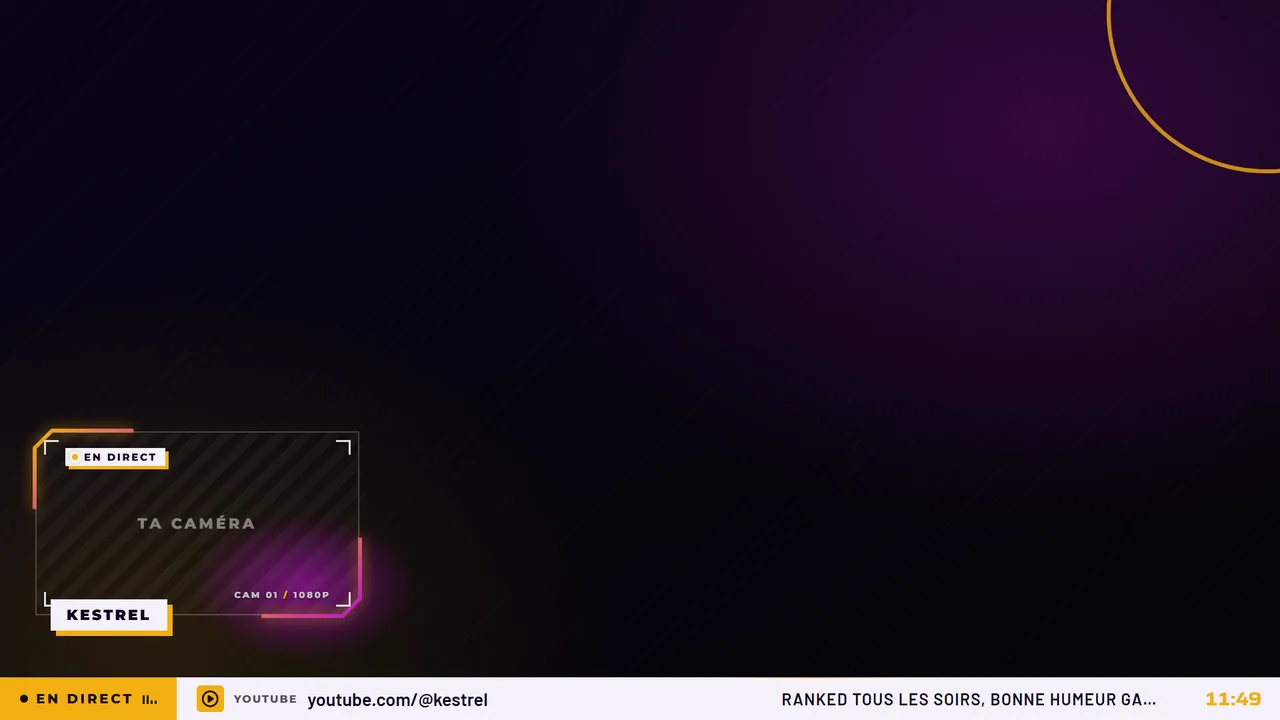
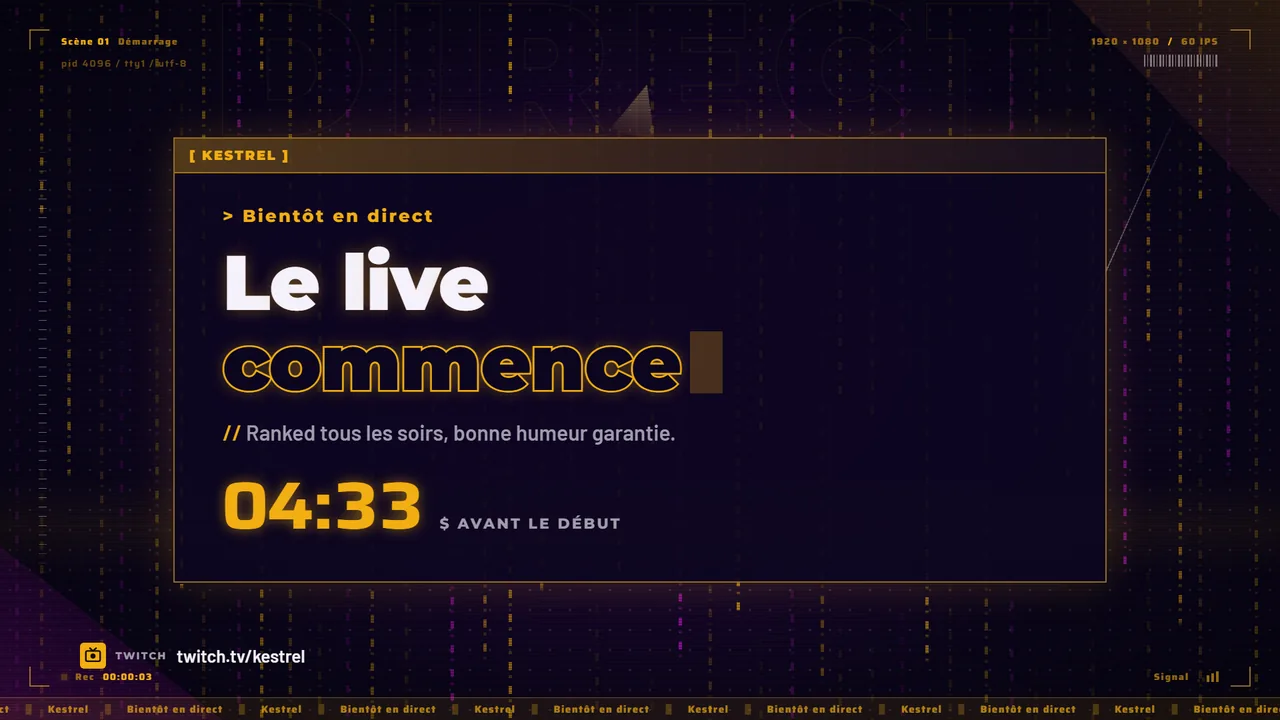
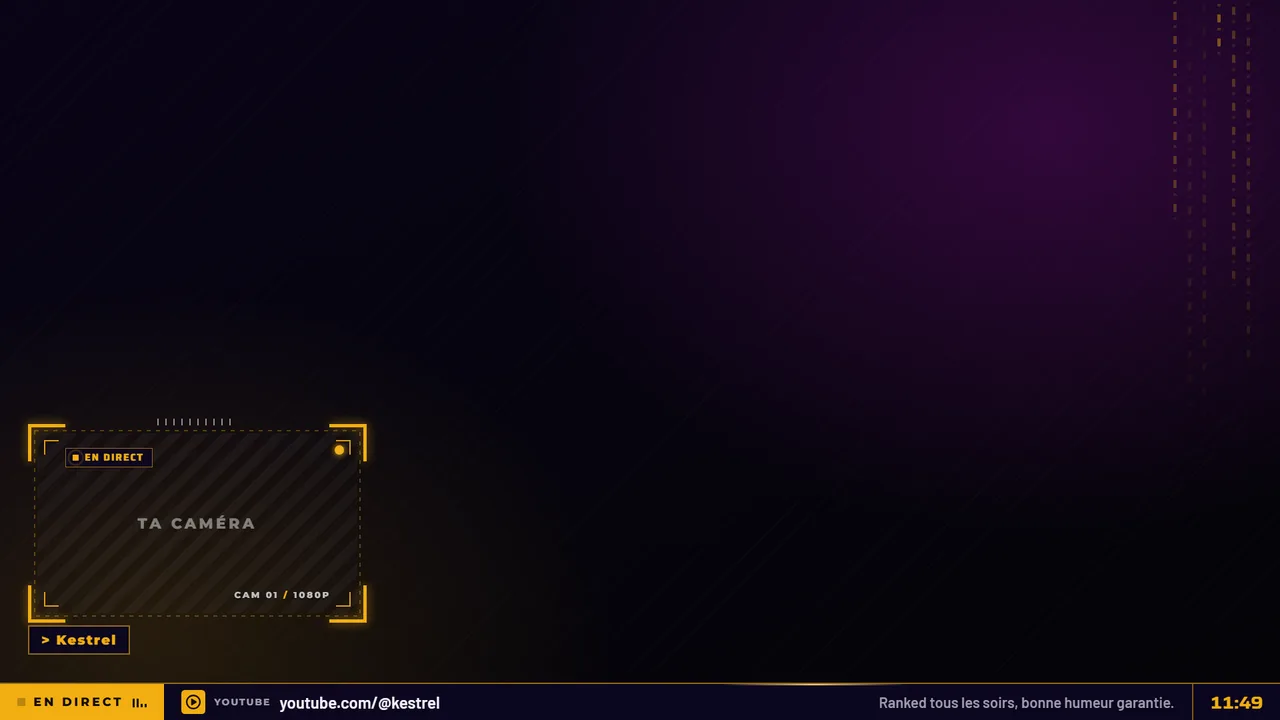
Ten animated screens designed for GTA V and GTA RP, from starting soon to the end of the stream.
Build your pack of animated scenes, add a countdown, a chat in your style, emotes that move. Free to try, in your browser. Like a look? We build it for you.
On sale now
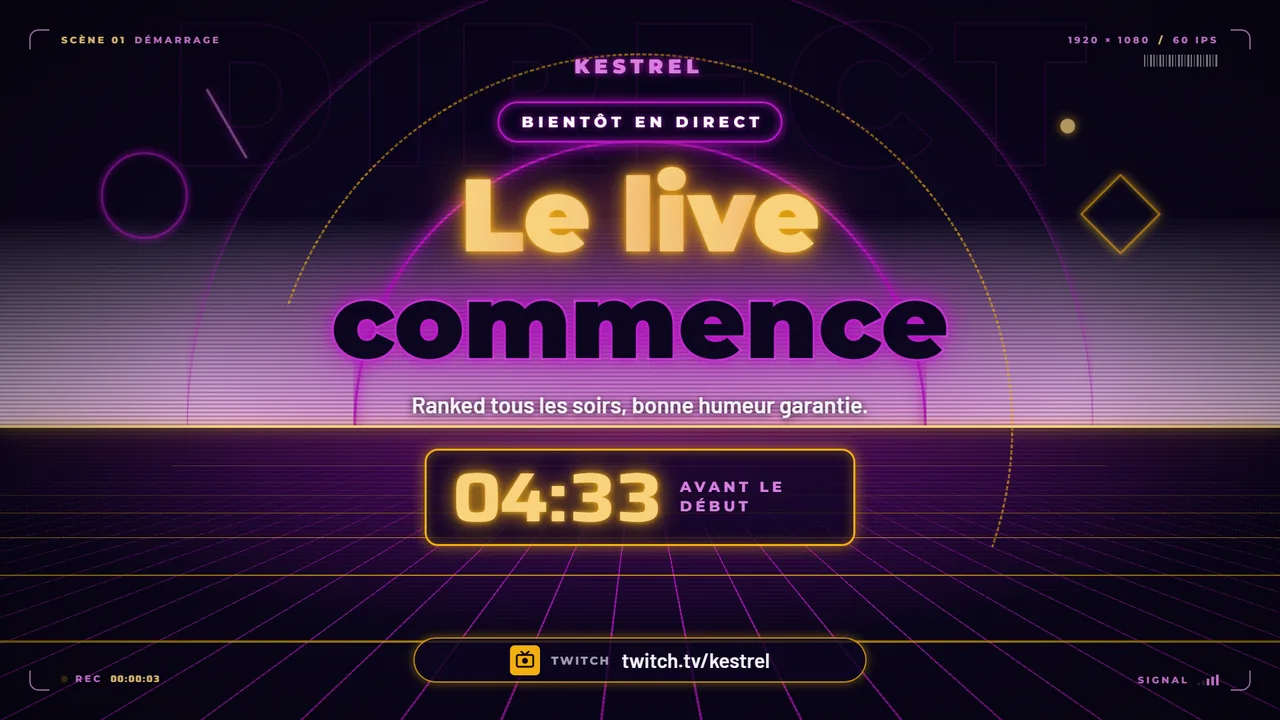
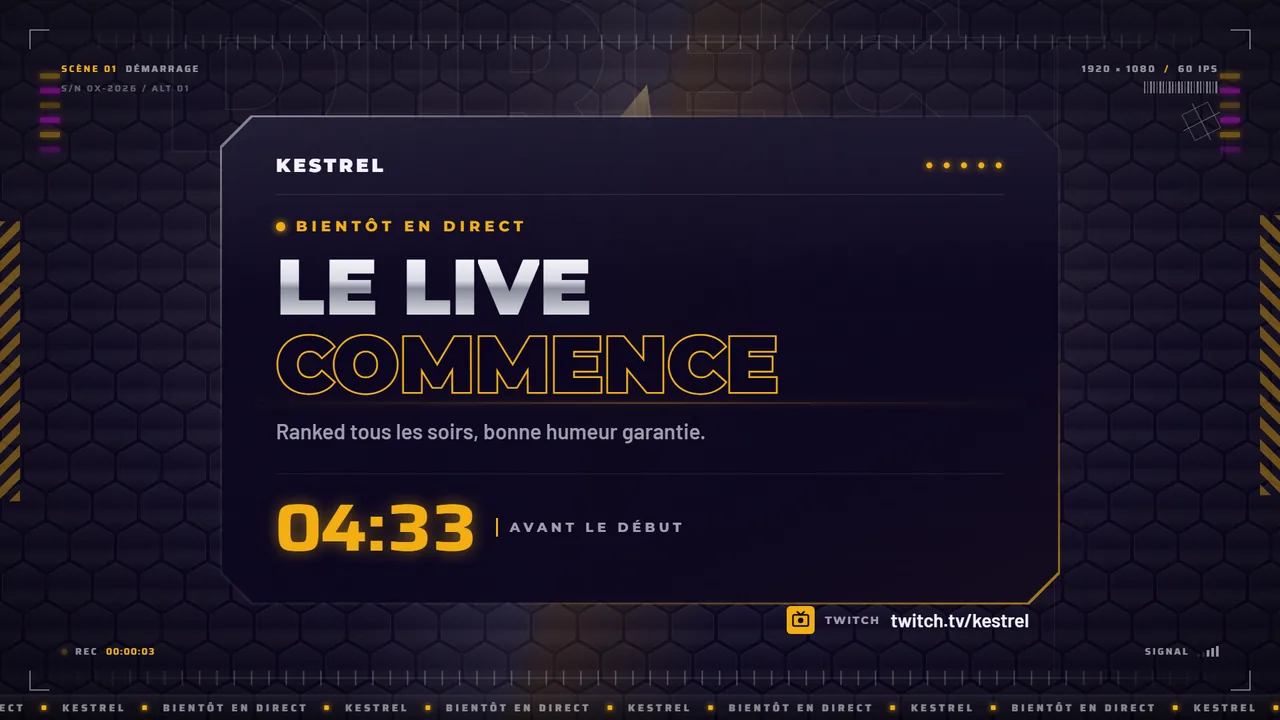
Ten animated screens per game, from starting soon to the end of the stream, with original heroes. You pay on Gumroad and download right away.
10 animated screens · MP4 2560 x 1440 · 74.8 MB
Ten animated screens designed for GTA V and GTA RP, from starting soon to the end of the stream.
10 animated screens · MP4 2560 x 1440 · 97.9 MB
Ten animated screens designed for Fortnite, from starting soon to the end of the stream.
10 animated screens · MP4 2560 x 1440 · 115.4 MB
Ten animated screens designed for League of Legends and MOBAs, from starting soon to the end of the stream.
10 animated screens · MP4 2560 x 1440 · 76.0 MB
Ten animated screens designed for Counter-Strike 2 and tactical FPS games, from starting soon to the end of the stream.
Free tools
Pick a tool, set your colors, download. Nothing to install, no account, nothing is sent.
Scene Workshop, free to try
Pick a look, add your colors and your name, and watch your scenes move, for free. The Wave look downloads free, the others are €19 each or €89 for all, ready for OBS and Streamlabs. Hover a look to see its in-game scene.
A whole evening, start to finish
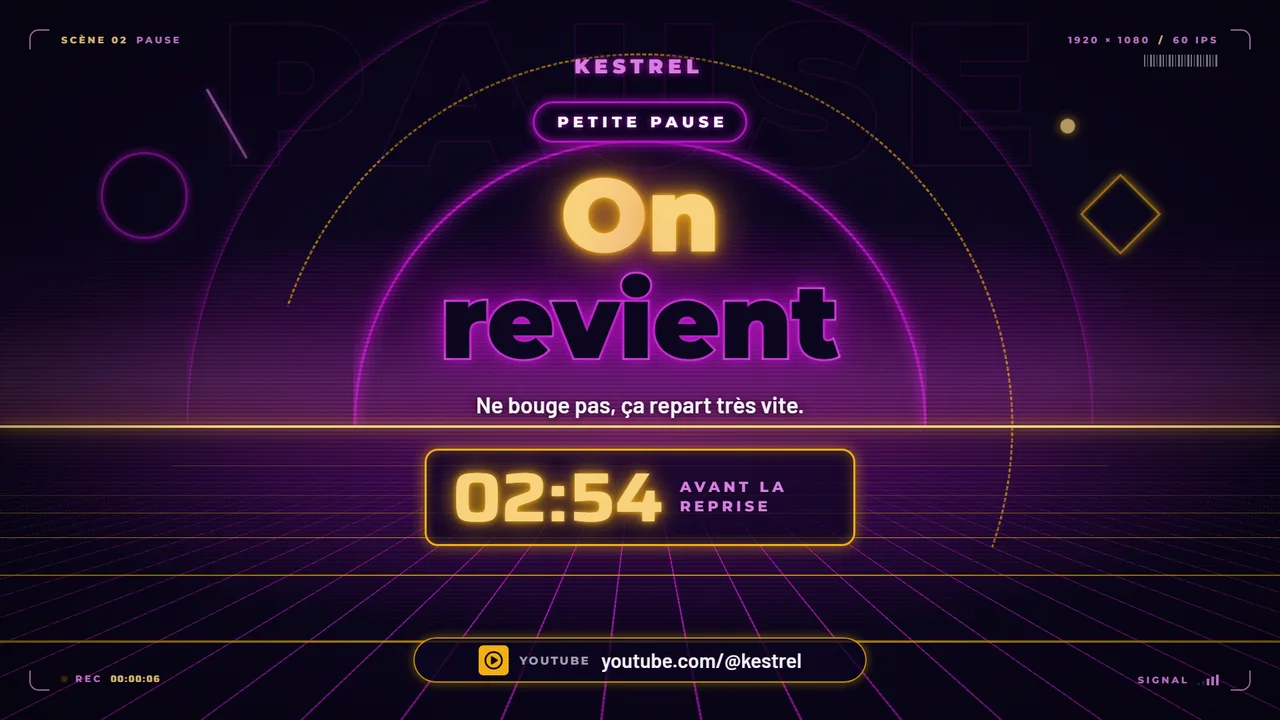
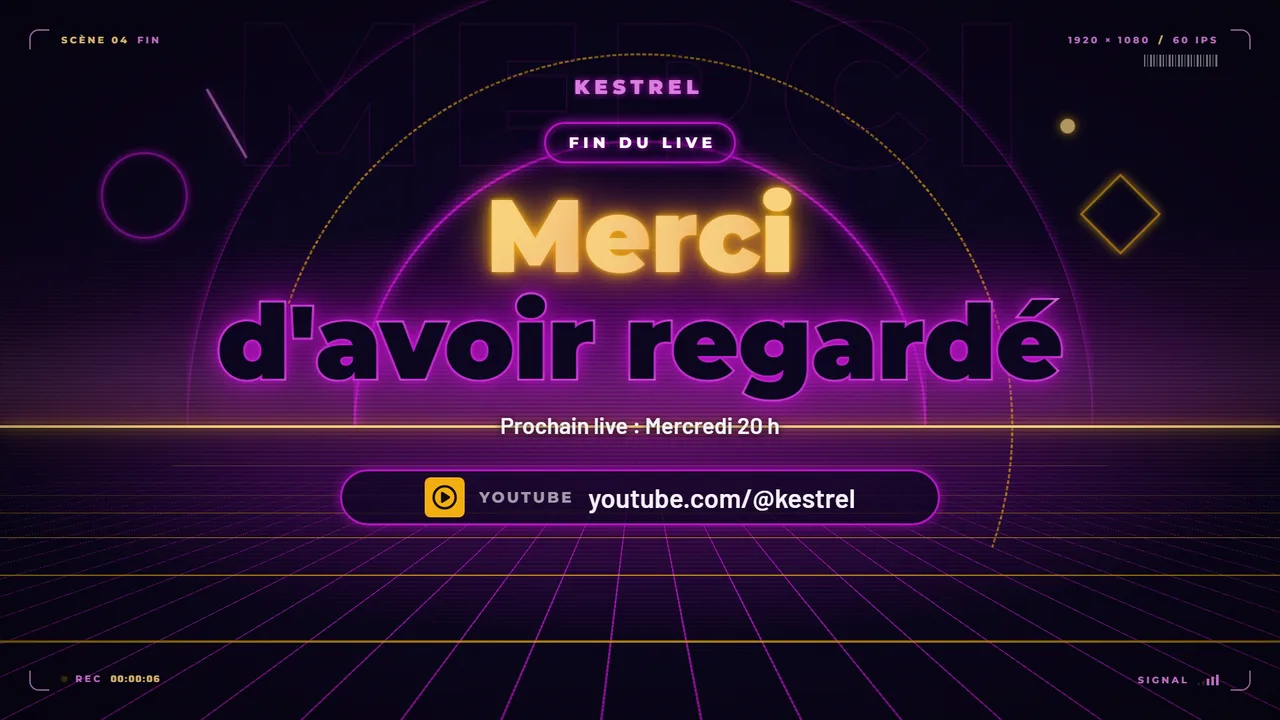
What we make
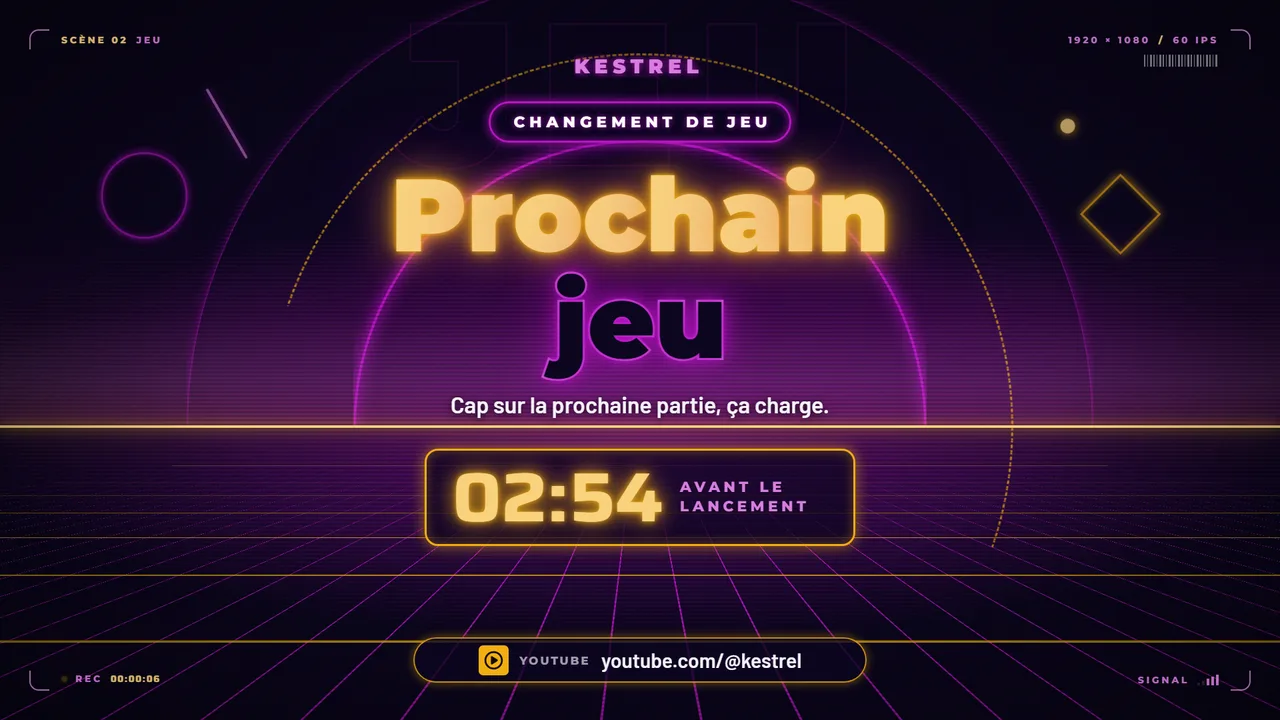
Works with OBS and Streamlabs. Every piece is animated and designed to go with the others.
A full pack
An overlay package is more than a starting soon screen. Every piece has its tool or its demo, in the same identity.
Modules that react to chat
A poll where viewers vote in chat, emotes that fall when they get hyped, a race where each !go moves a pawn forward, a wheel that picks a winner among those who signed up. Plus a hype gauge, a tug of war, a question wall, a word cloud. Free, to drop into OBS or Streamlabs. Shown below in simulation.
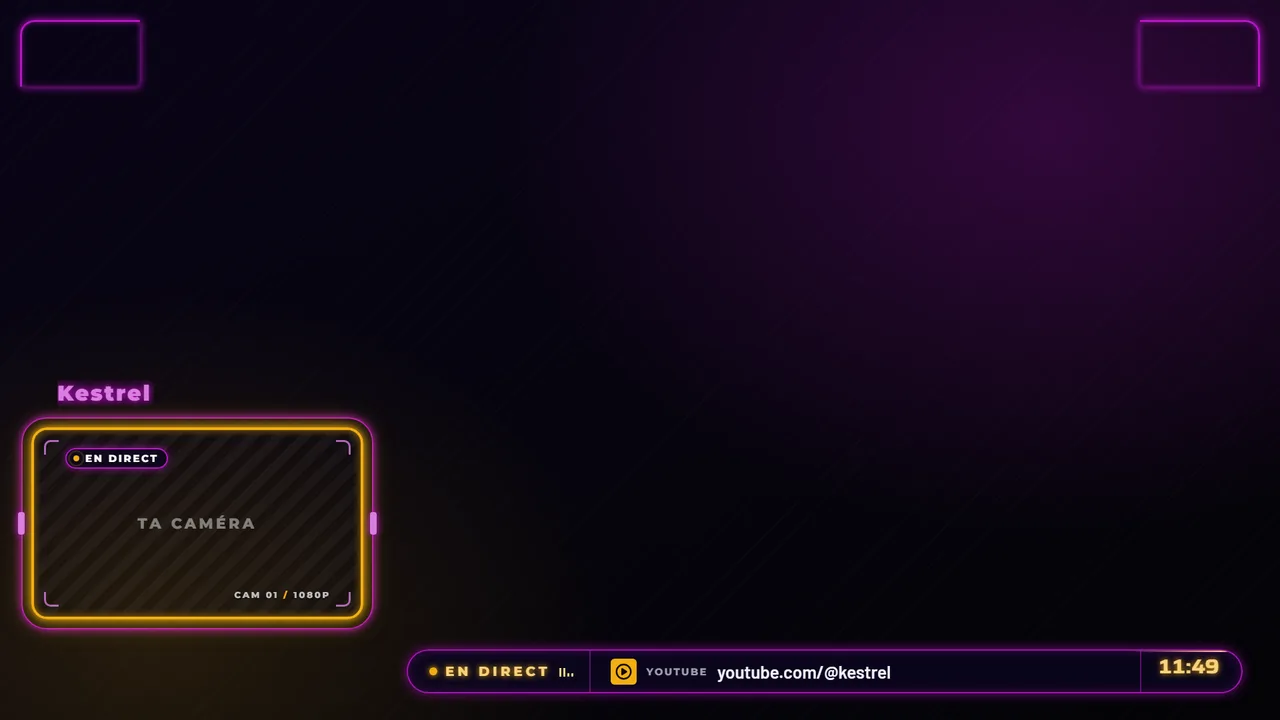
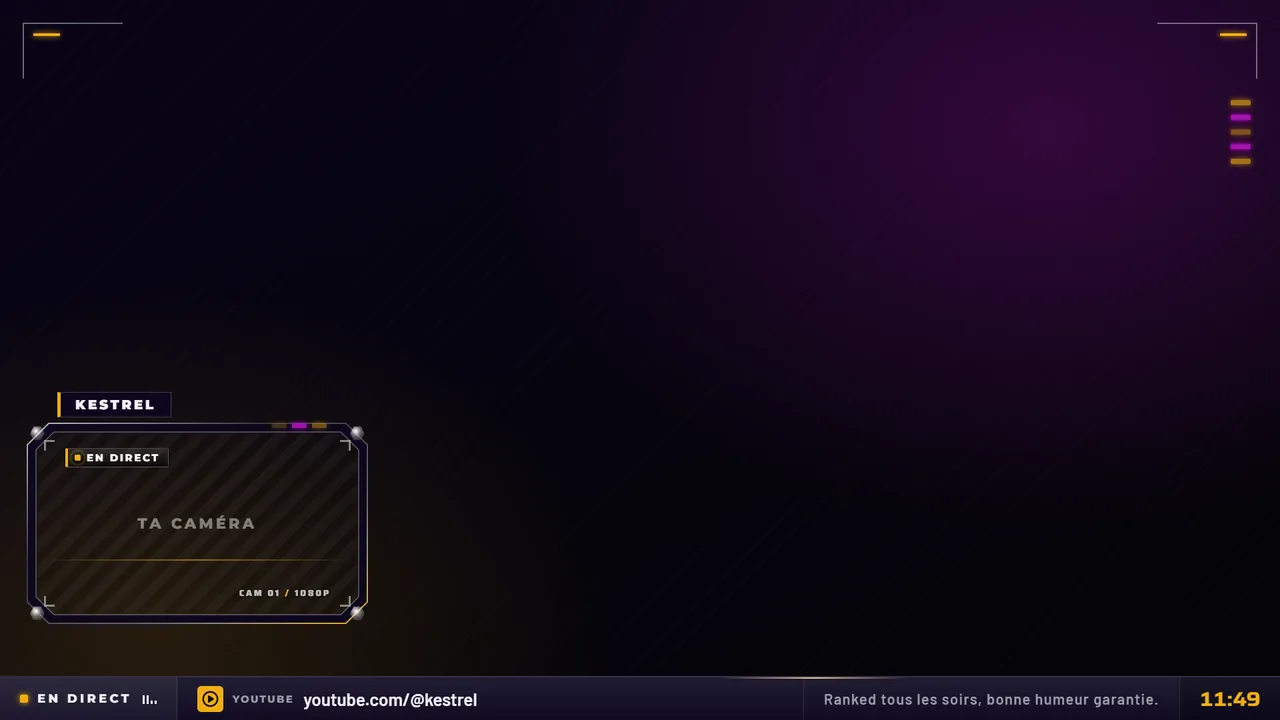
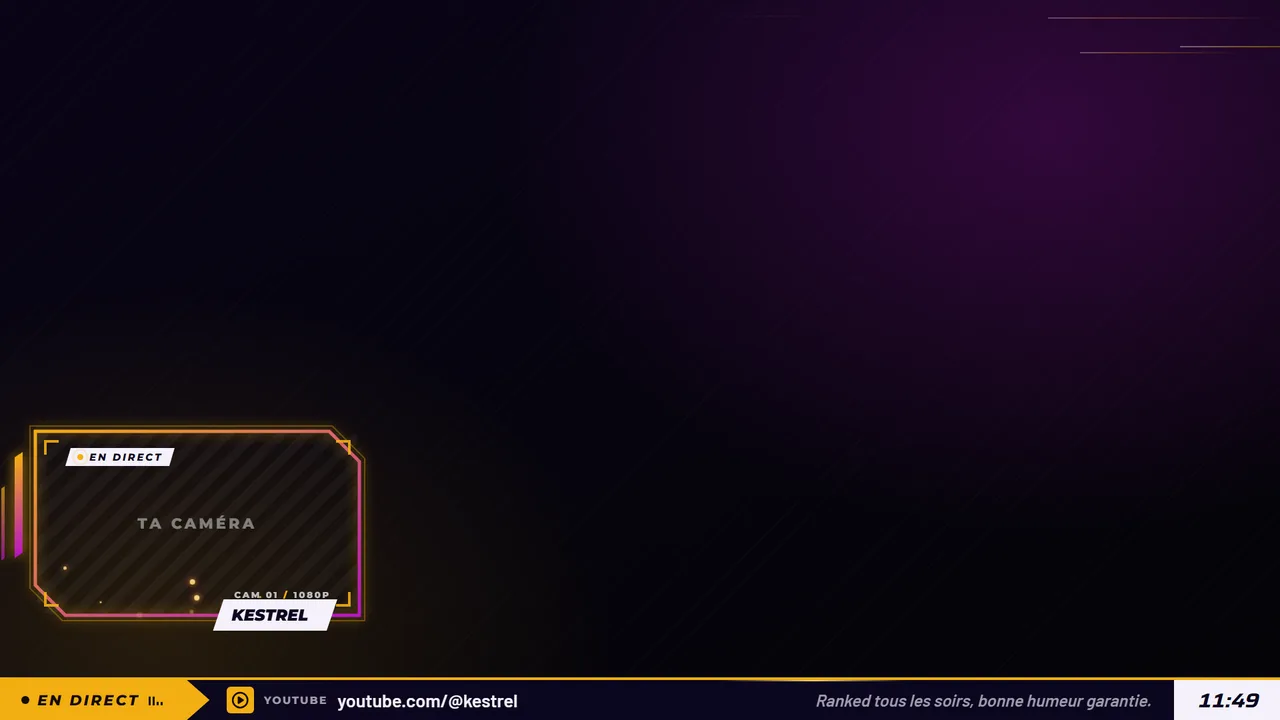
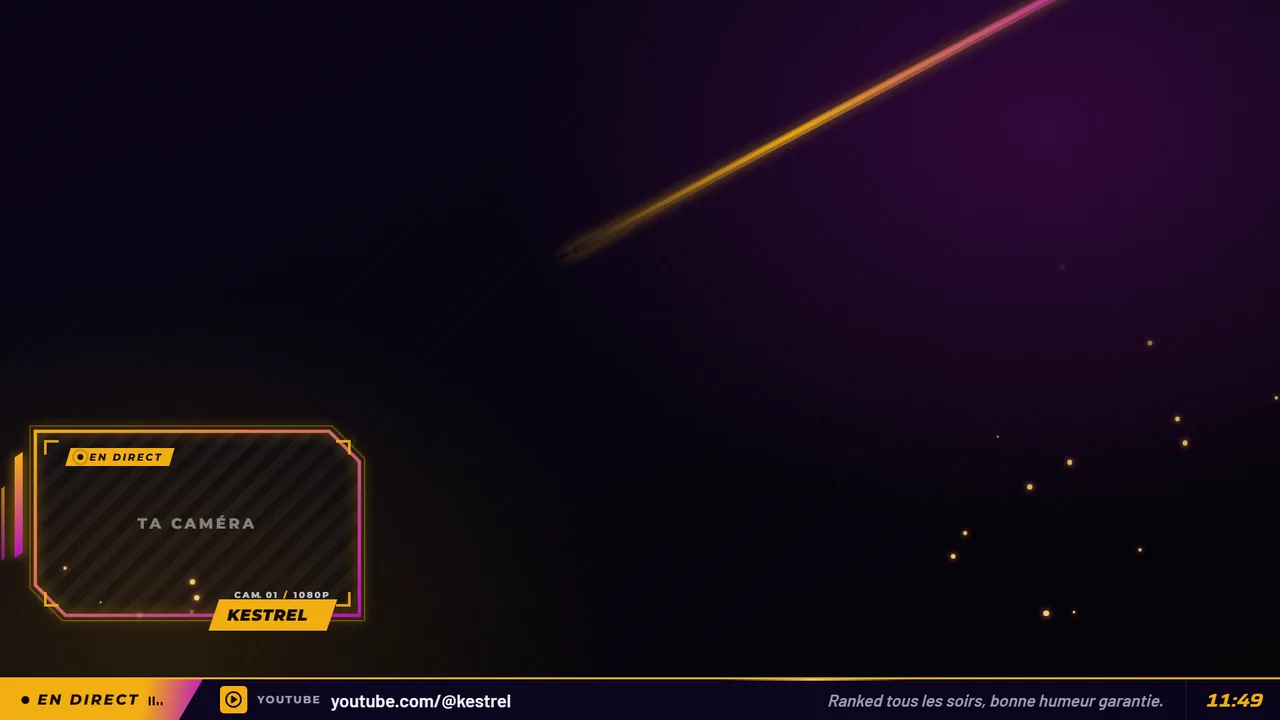
Demo on in-game screens from the Scene Workshop: on stream, your game capture goes behind.
Emotes and animated GIFs
Fourteen Aghen0r emotions, as animated stickers for Twitch and Discord. Click, and watch the chat go wild. Every pack will have its matching set of emotes.
Apps and Stream Deck
A remote, a control room, an overlay that reads the match, and 120 matching Stream Deck icons, sorted into 8 packs of 15 keys. These are the tools that run Aghen0r's channel.
Opens the auto scenes viewer, game by game, with the real overlay pages.
Aghen0r's channel · 15 keys · PNG 288, 144 and 72 px. The keys from Aghen0r's real Stream Deck.
Custom streamer websites
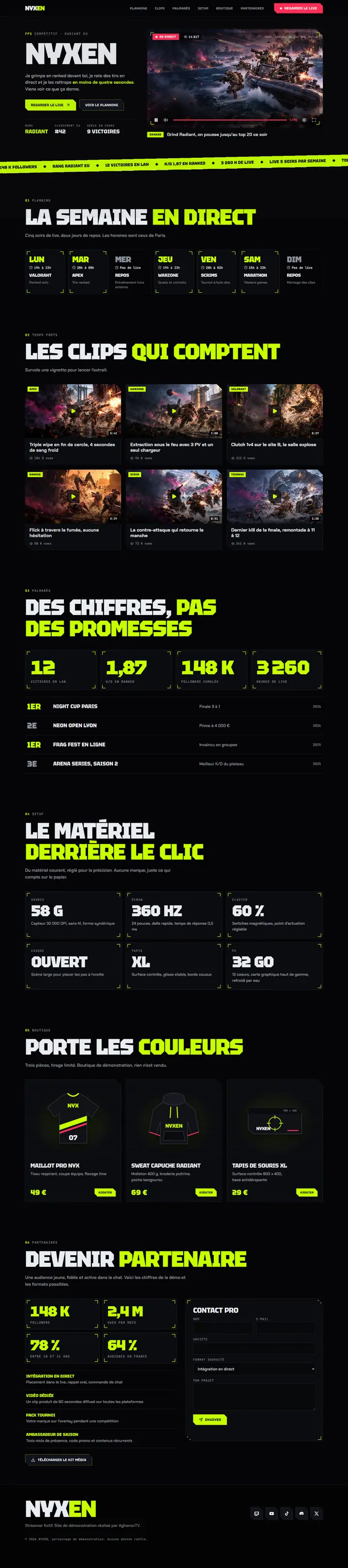
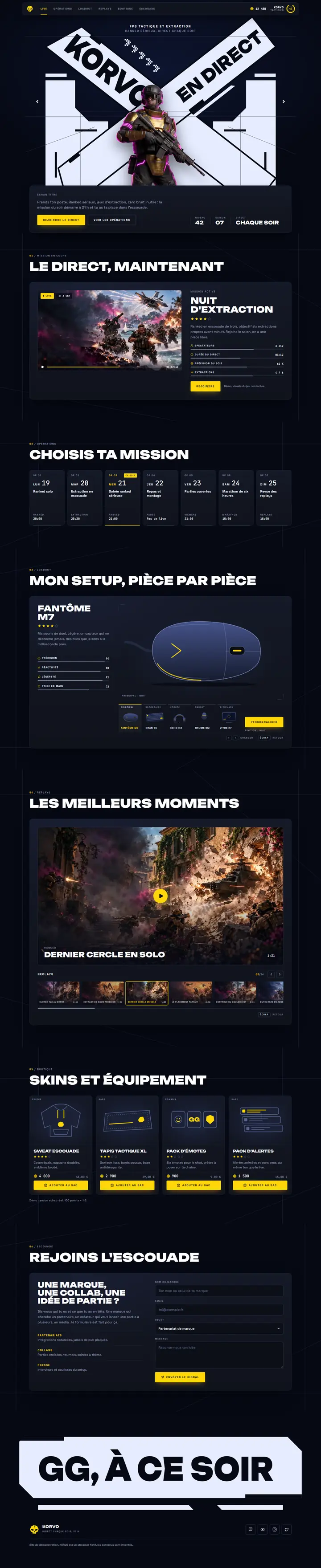
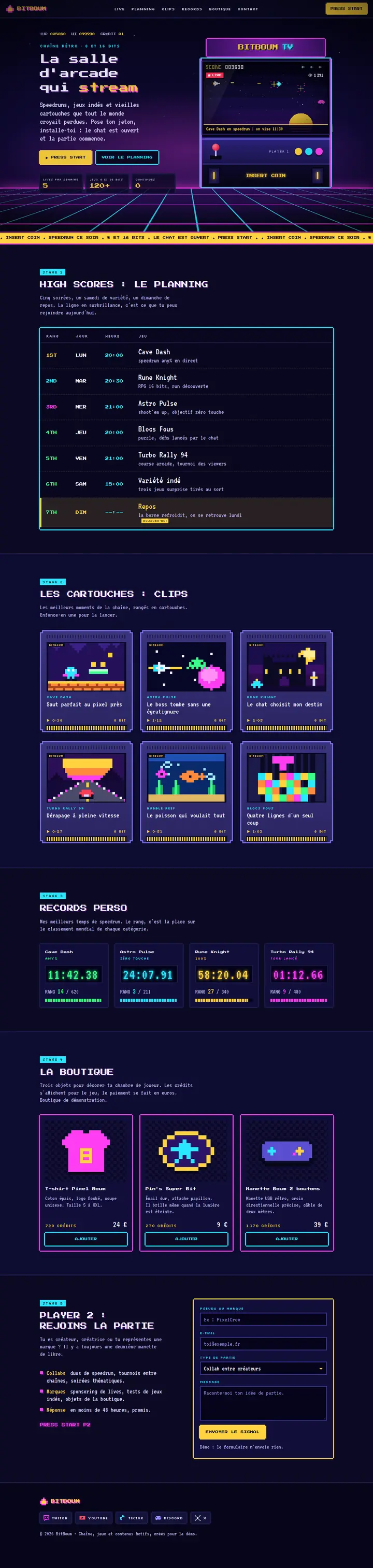
Your live stream at the top, your schedule, your clips, your shop and a page for brands, with your name and in your style. Four demos to get an idea, then we build yours.
Tested live
It all ran first on Aghen0r's channel, on Twitch.
Custom work
Eleven services, all animated, all compatible with OBS and Streamlabs. We put them together for your channel, your team or your club.
Frequently asked questions
Yes. The overlays, alerts and emotes go in as browser sources or images, in OBS as well as in Streamlabs. Automatic scene switching goes through the Streamlabs API today; the OBS version is in the works.
Another question? Write to us11 packs are on sale in the shop, including 10 packs by game at €19 each, paid and delivered through Gumroad. The other packs (alerts, emotes, frames, Stream Deck) are on their way: their page lets you get notified. The Scene Workshop, the free tools and custom work by quote are open.
Another question? Write to usA pack by game costs €19 excluding VAT. Every product in the shop shows its price. In the Scene Workshop, one look is free, the others are €19 each or €89 for all. For custom work, you see a range, then you get a quote after describing your project.
Another question? Write to usNo. The previews are the real pages of Aghen0r's channel. The packs and the custom creations use original visuals, with no characters or vehicles that belong to publishers.
Another question? Write to usNo, and that is on purpose: the game only talks to the PC it runs on. So the overlay is installed on your side, as local files.
Another question? Write to usAghen0r, a streamer, and the MxCaptures studio, which designs and builds the overlays, the apps and this site.
Another question? Write to usWatch the scenes run, try the tools, then tell us what you want.